Employee monitoring that stays fair.
Clockade is employee monitoring software for remote, hybrid and office teams. A small time tracker on each Mac or Windows laptop records working hours, screenshots, idle time and the apps and websites in use, only while the timer runs. Admins see it all on one live dashboard; staff see their own hours.
A time tracker with screenshots.
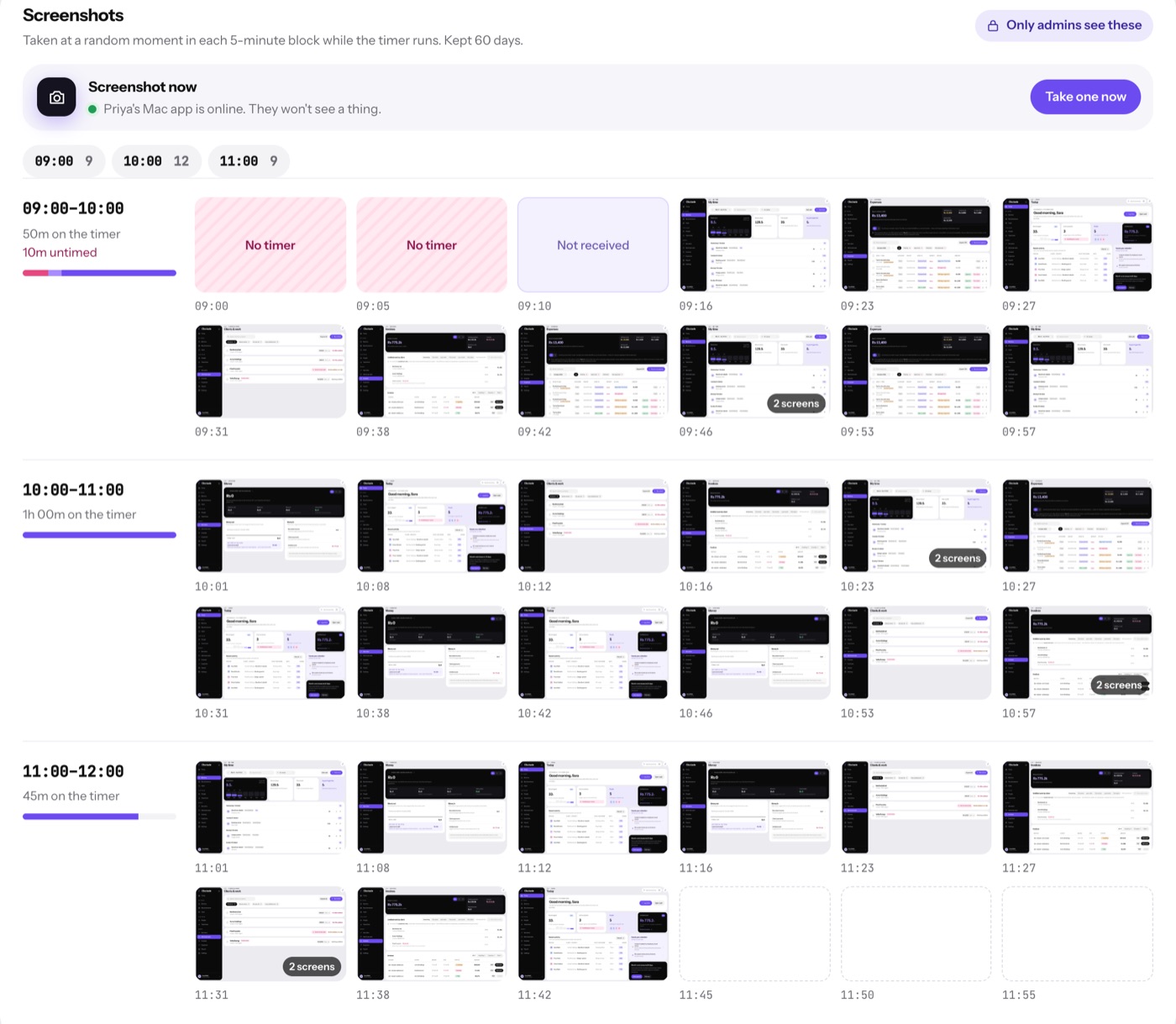
While someone's timer runs, Clockade takes a screenshot at a random moment in each block: every 5, 10 or 15 minutes, or never. Admins scroll a person's day hour by hour, or ask for one right now.
- Nothing during breaks, lunch or when paused
- Screenshot now, from Team time
- Kept for 30, 60 or 90 days, then deleted
- Only admins can open them

See what the hours went into.
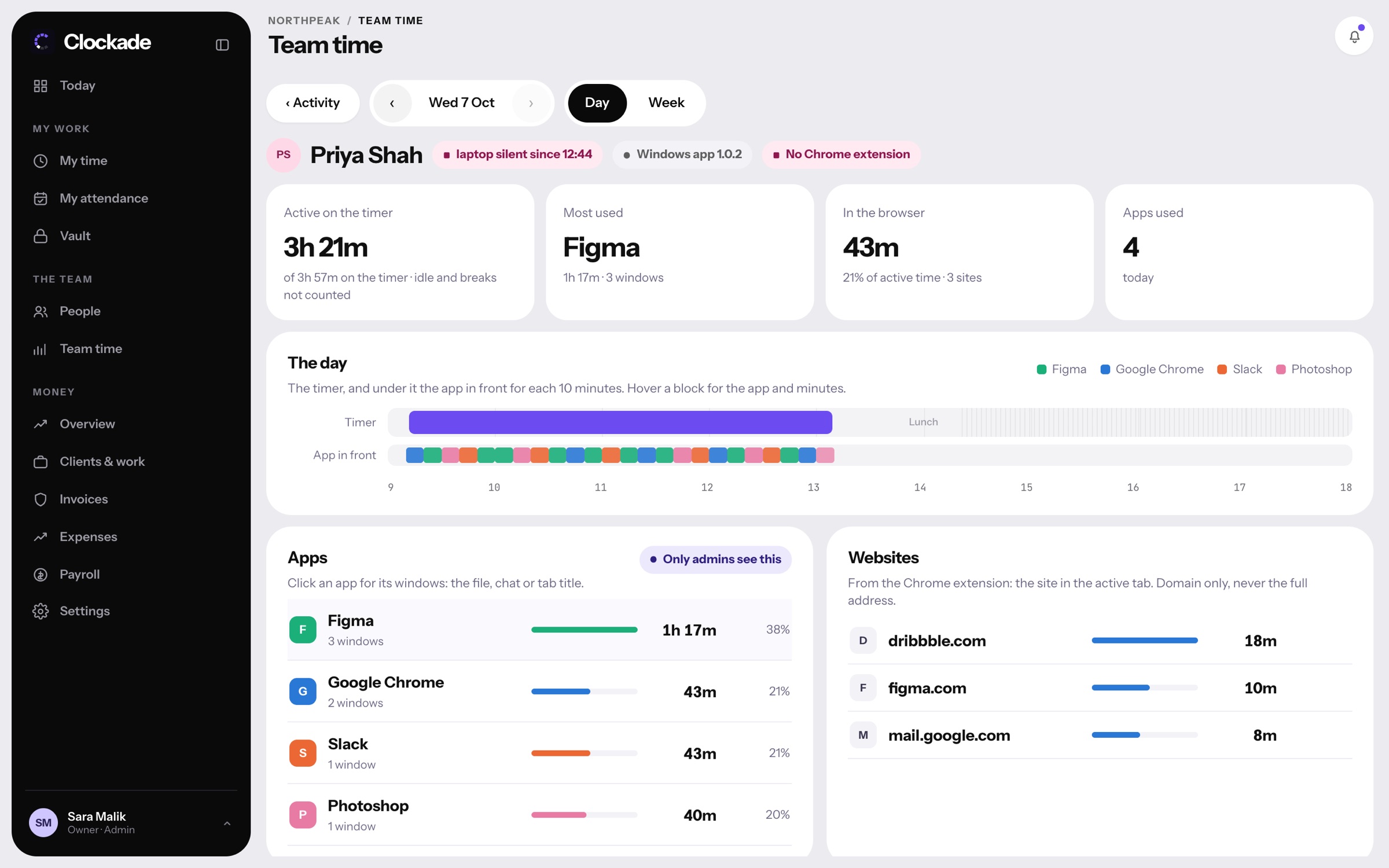
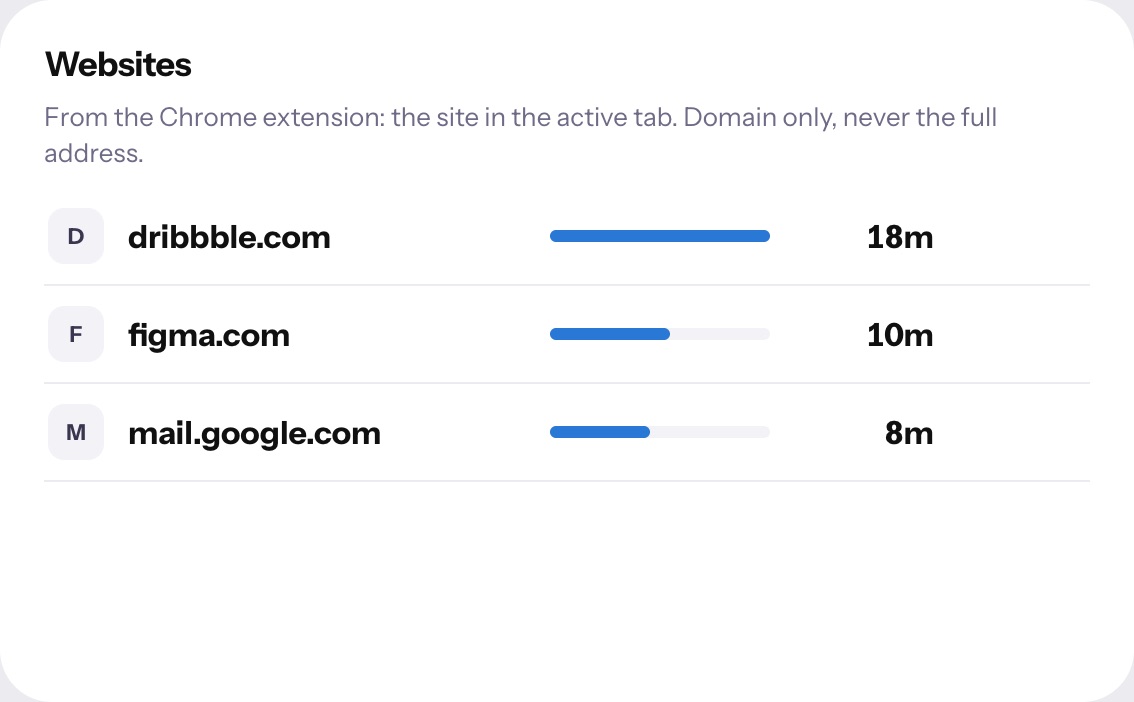
The app in front and its window title for every stretch of the timer, and the websites from the Chrome extension, for the whole team or one person, by day or week.
- Apps and window titles from Mac and Windows
- Websites as domains only, never full addresses
- The team's apps and websites for a day or week
- Who's set up: every laptop's app version
Your whole remote team, live.
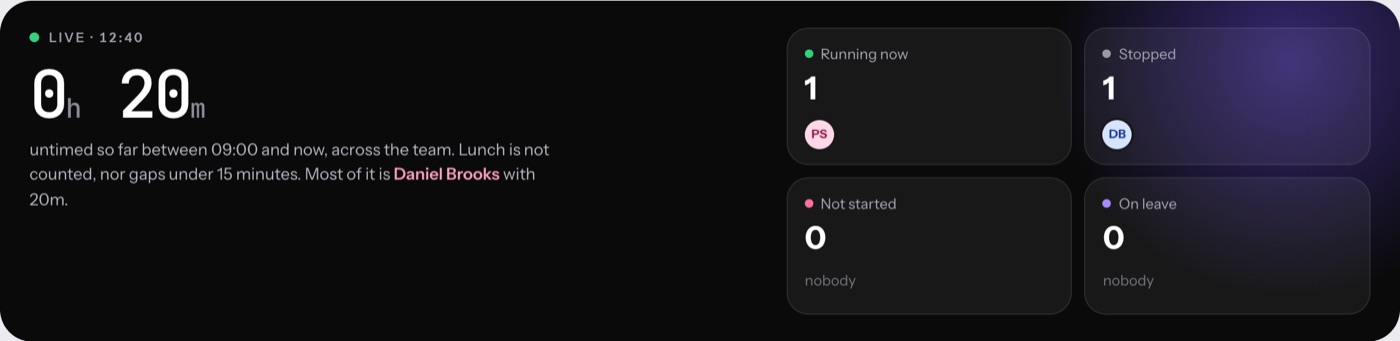
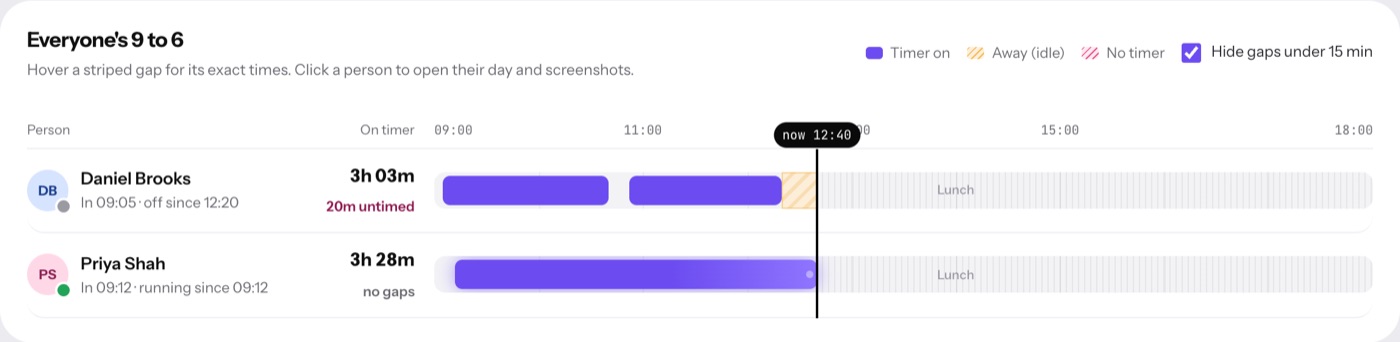
Team time shows who is working, on a break, idle, not started or on leave right now, with every person's day on one timeline. It works the same for people at home and in the office.
- Live count of who is running and who stopped
- Untimed gaps in red, idle time striped
- Click a person to open their day
- Export any day or month
Idle time is paused, not paid.
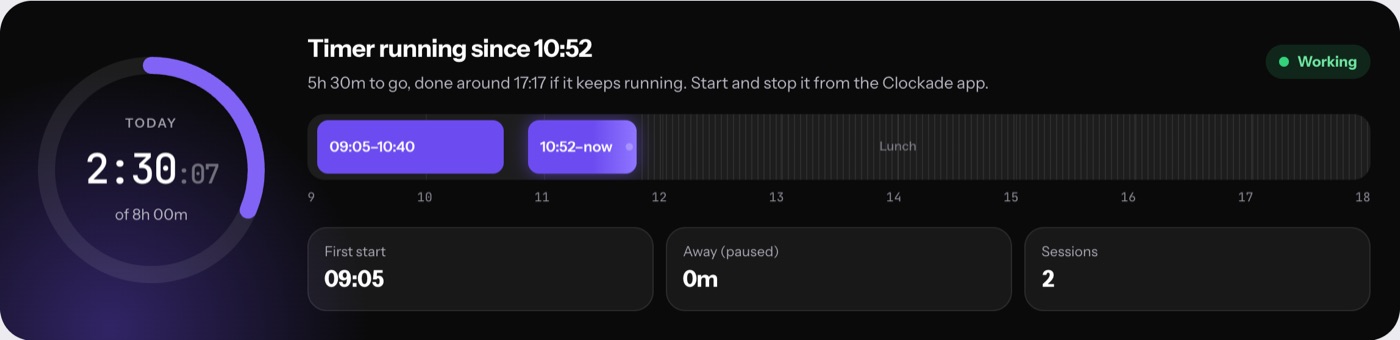
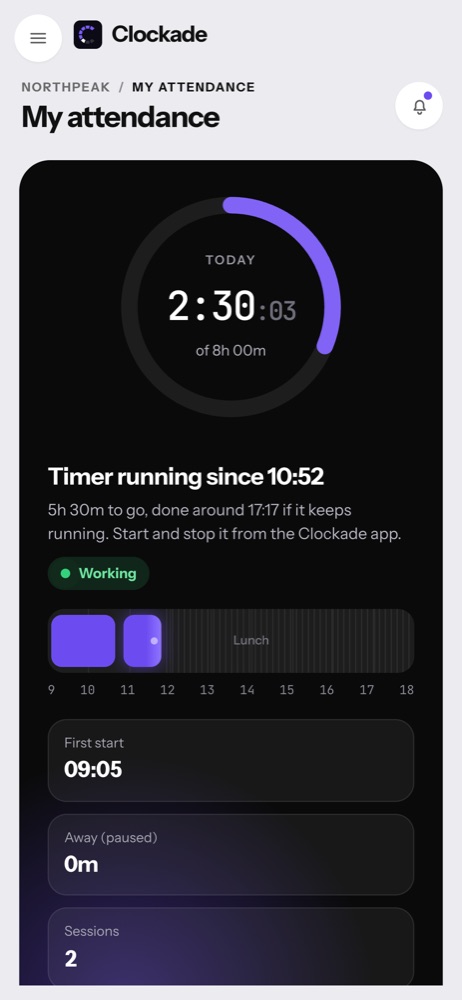
When nobody touches the keyboard or mouse for a while, the timer pauses at the moment they stopped. Mouse jigglers and keep-awake tools don't keep it going. Real work away from the keyboard is added back with a reason, for an admin to approve.
- Idle pause after 5 minutes, or your own limit
- Sleep and screen lock end the session
- Keeps recording offline and syncs later
- Missing time requests limited to real gaps
Does Clockade record people when they are not working?
No. Screenshots, apps and websites are recorded only while that person's timer runs, and never during breaks, lunch or a pause. When the timer is off, Clockade records nothing.
Who can see the screenshots?
Only admins. Employees see their own hours, attendance, leave and payslips, but never anyone's screenshots or activity.
Does it work for remote employees?
Yes. The app runs on each person's Mac or Windows laptop wherever they are, keeps recording without internet, and sends everything when the connection is back.
Should we tell the team?
Yes. Tell people what is recorded and why before you turn screenshots on. Our security page lists exactly what Clockade records, which helps with that conversation.