Fair to your team. Locked down for you.
Clockade sees a lot of a working day. Here is exactly what it records, who can see it, and how accounts are protected.
Only while the timer runs. Only for admins.
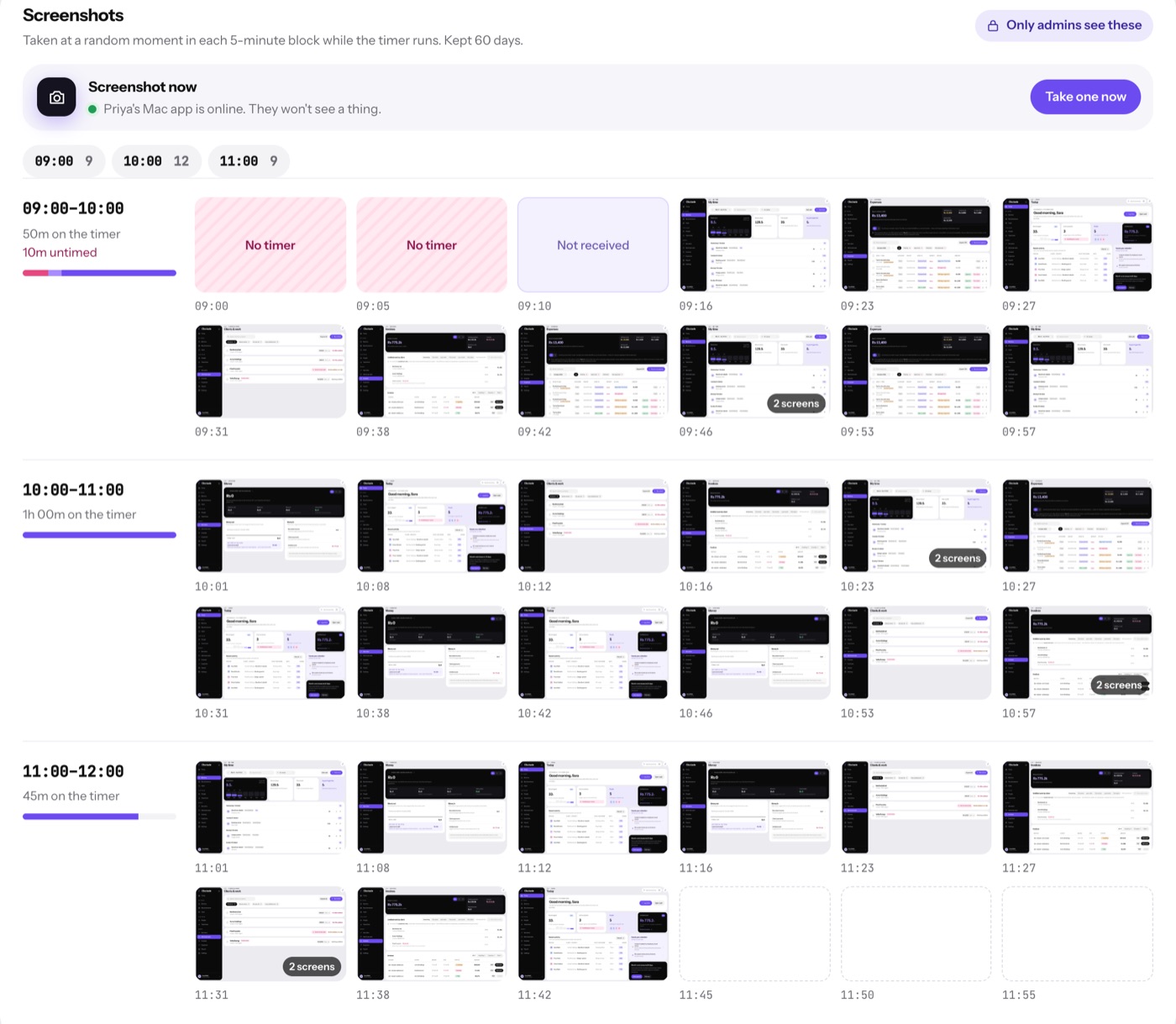
- Screen activity: one snapshot in each 5-minute block while the timer runs, and nothing during breaks, lunch or when paused
- Screenshot now: an admin can ask for one snapshot at once from Team time
- Apps: the app in front and its window title, while the timer runs
- Websites: from the Chrome extension, the domain only, never the full address
- Kept for 30, 60 or 90 days, then deleted
- Only admins can open any of it
Two-step sign-in
A six-digit code from Google Authenticator, Microsoft Authenticator, Authy or 1Password on top of the password.
Trusted devices
See which devices are signed in and sign any of them out from Settings.
Sessions time out
An unattended browser signs itself out after 30 minutes without activity.
Audit log
Every change is stamped with who made it and when. Entries are written once and never edited.
A vault for shared logins
Passwords stay hidden until revealed, hide again after 30 seconds, and every reveal or copy is logged.
Roles that fit
Admins, employees and payroll-only staff each see only the pages their role allows.
Laptops connect with a code
The desktop apps pair with a 6-digit code that expires in 10 minutes. No password is ever typed on the laptop.
Checked updates
The Mac app installs an update only if it is signed with the same certificate, so a swapped file is refused.
Encrypted in transit
Everything between your browser, the apps and Clockade travels over HTTPS.
Everyone sees their own record.
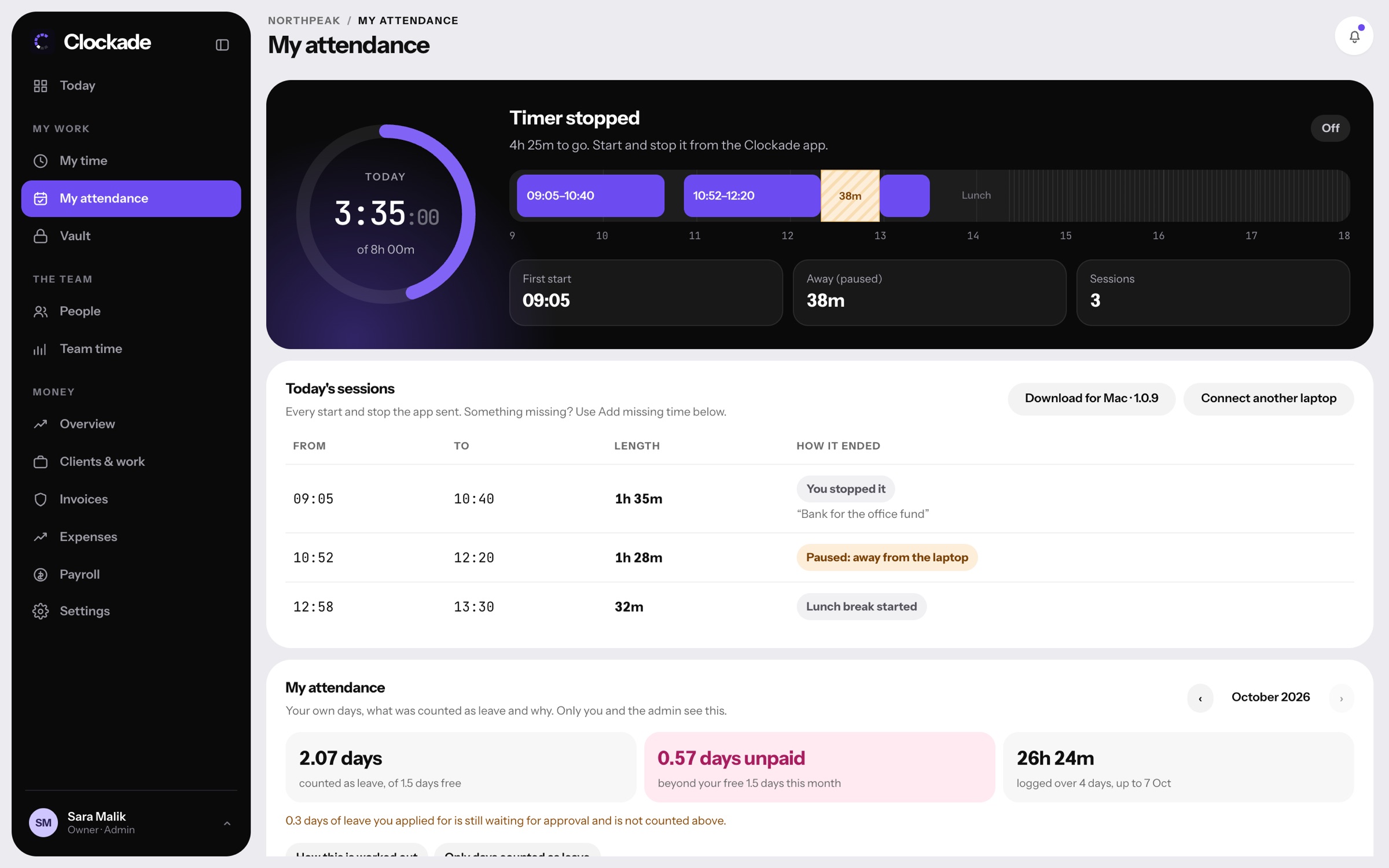
Staff can open their own hours, attendance, leave balance and payslips at any time, with the reason for every deduction written next to it.
- My attendance explains every day
- Short leave and late minutes shown in plain words
- Missing time can be requested, not edited