Leave tracking without the spreadsheet.
Clockade's leave management system lets staff ask for leave from the web, Mac or Windows, shows them what is free and what is unpaid before they send it, and lets an admin approve in one tap. Approved leave lands on attendance and payroll by itself.
Ask, approve, done.
Full days across a date range, a half day, or short leave of 1 to 7 hours. Add a reason and send. Admins approve, turn down or reply with a note, and staff can withdraw a request that is still waiting.
- Full days, half days and short leave in hours
- From the web, Mac or Windows app
- Reply to a request with a note
- A day with leave waiting is never an absence

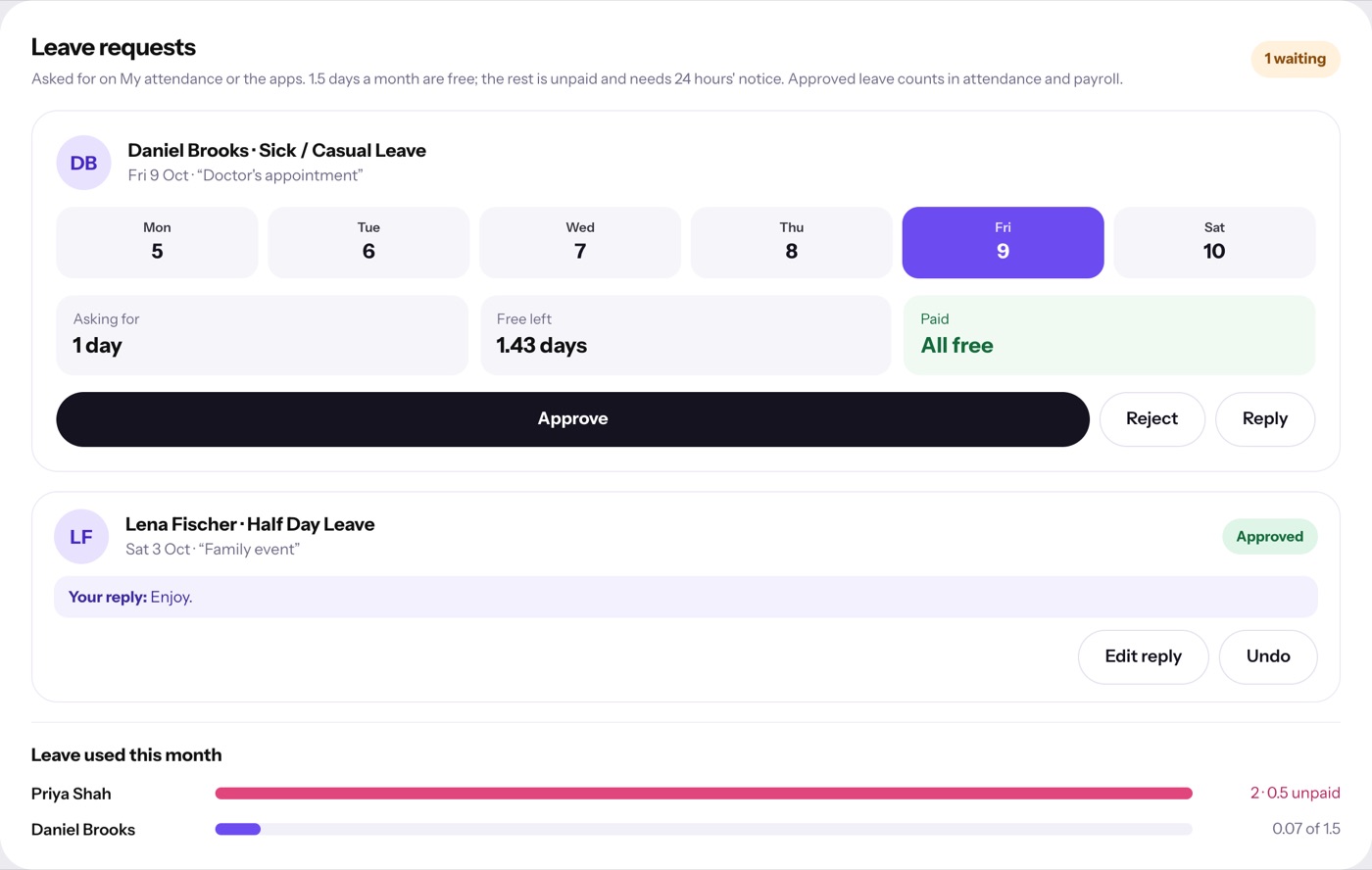
Free and unpaid, shown upfront.
Each person gets a monthly allowance of free days. Clockade shows how much of a request is free and how much is unpaid before it is sent, and unpaid leave needs 24 hours' notice.
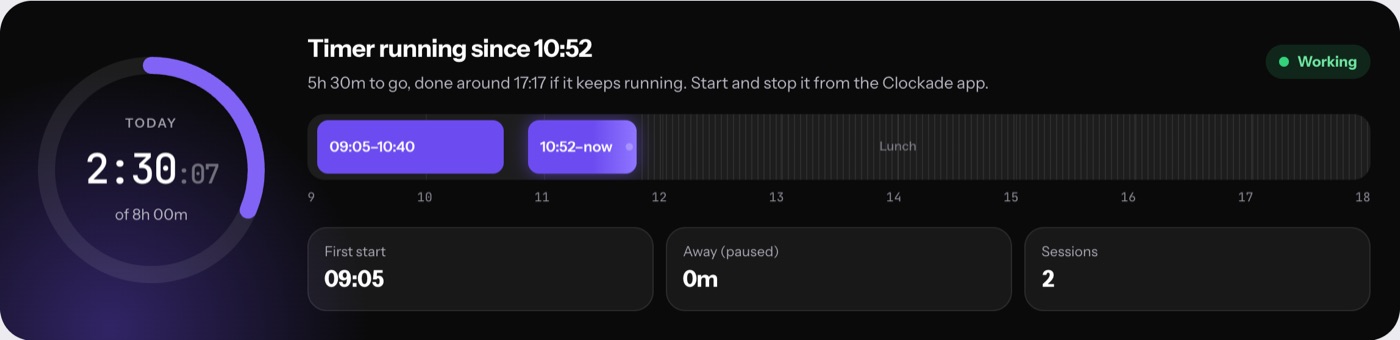
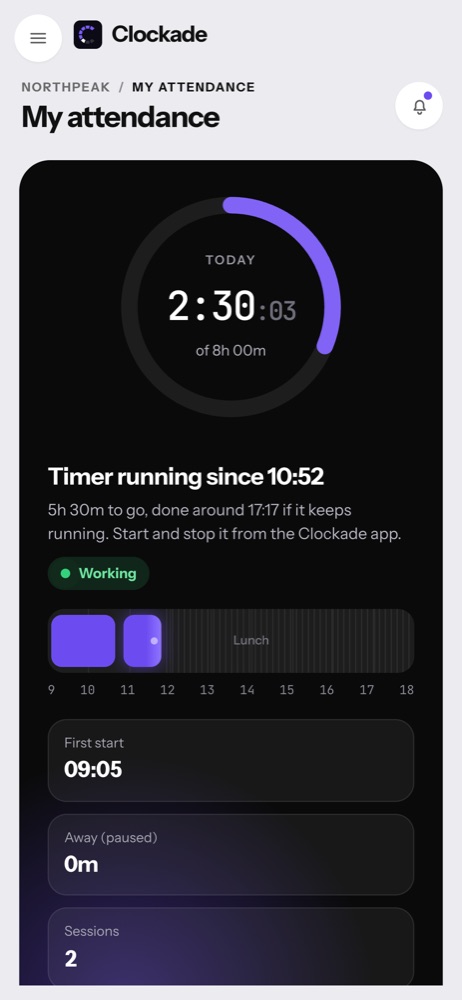
- Leave left on My attendance, in days
- Late deductions and absences use the same allowance
- Change one person's allowance for a month
- Unpaid days go to payroll by themselves
Before you start.
Also see attendance management system and payroll software, or every feature.
Can staff take a few hours off?
Yes. Short leave is 1 to 7 hours on one day, and 8 hours count as a day.
Where do admins approve leave?
On Team time, where requests wait under what needs a decision, alongside missing-time requests.
Does leave reach payroll?
Yes. Days over the free allowance are deducted in that month's payroll by themselves.