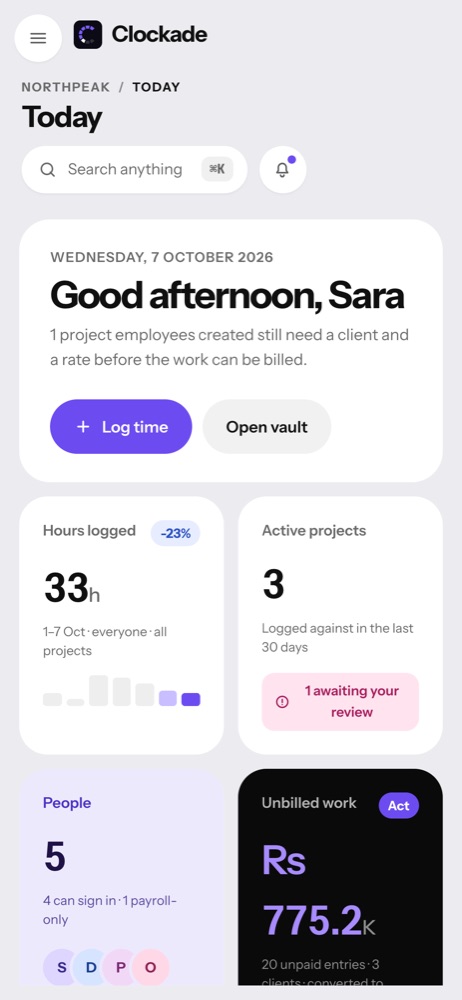
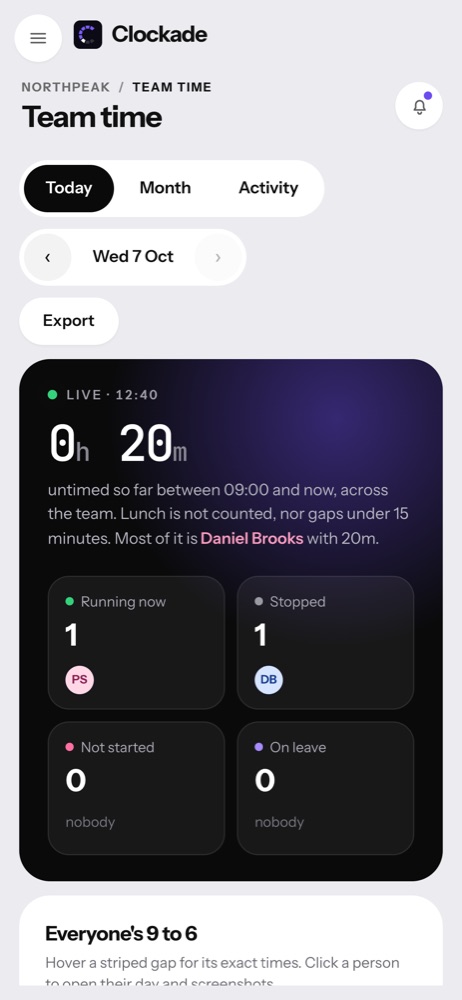
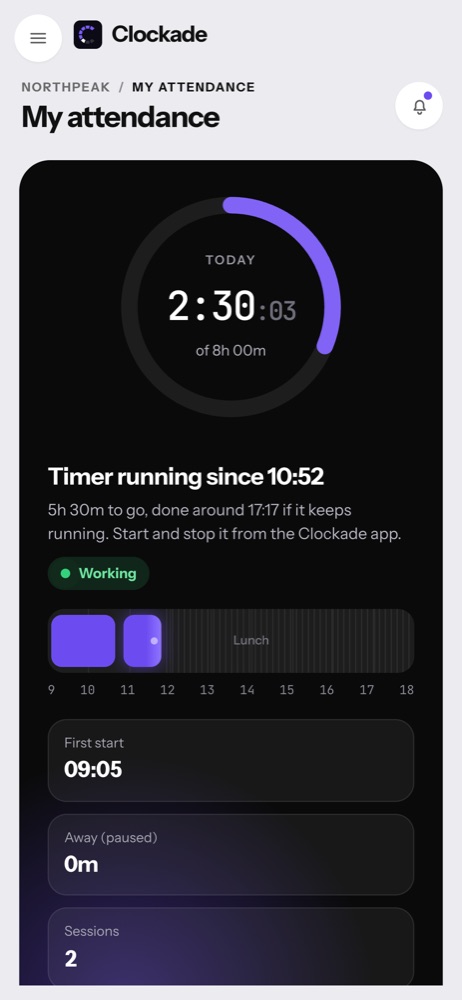
Get Clockade on every computer.
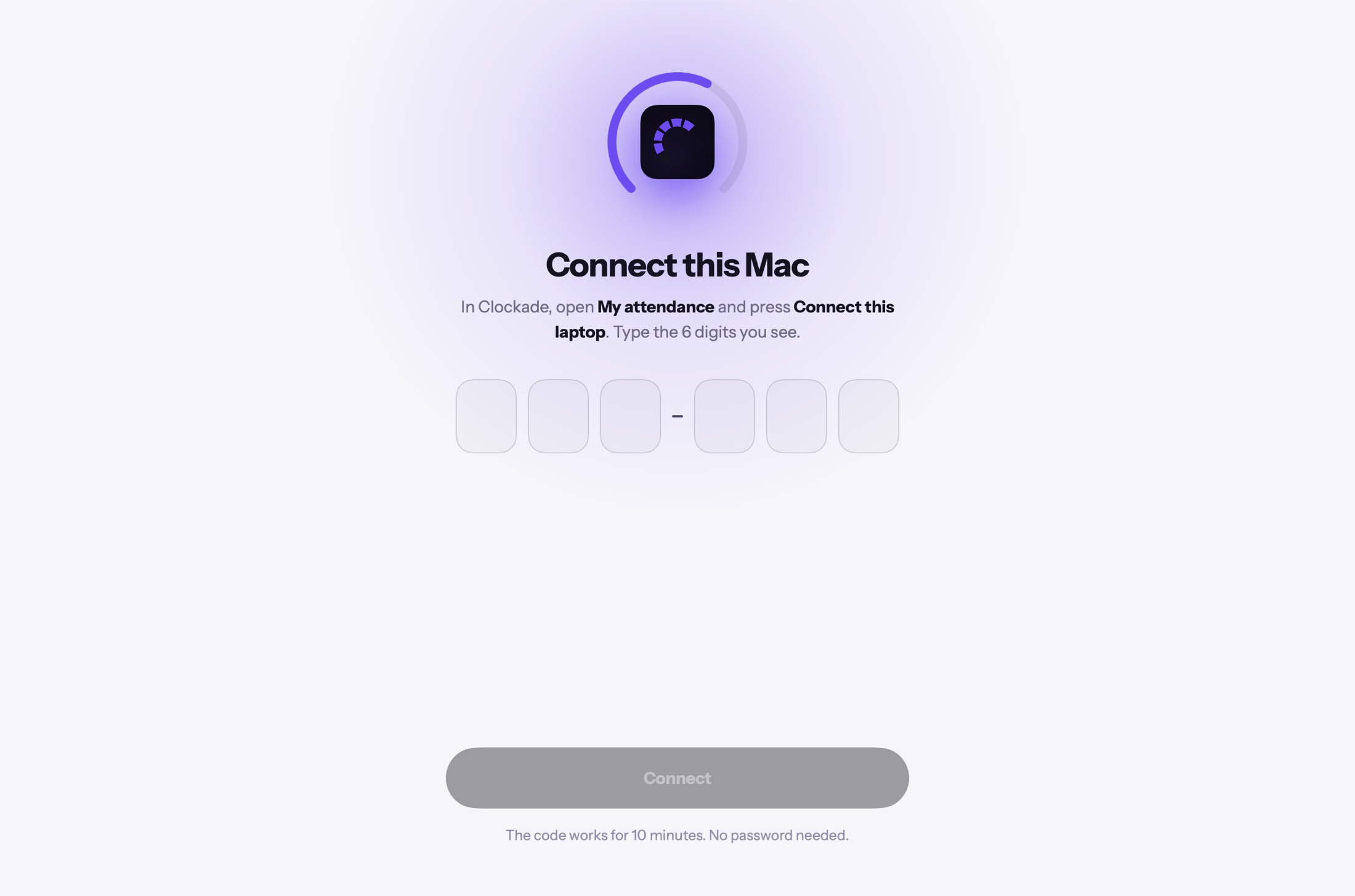
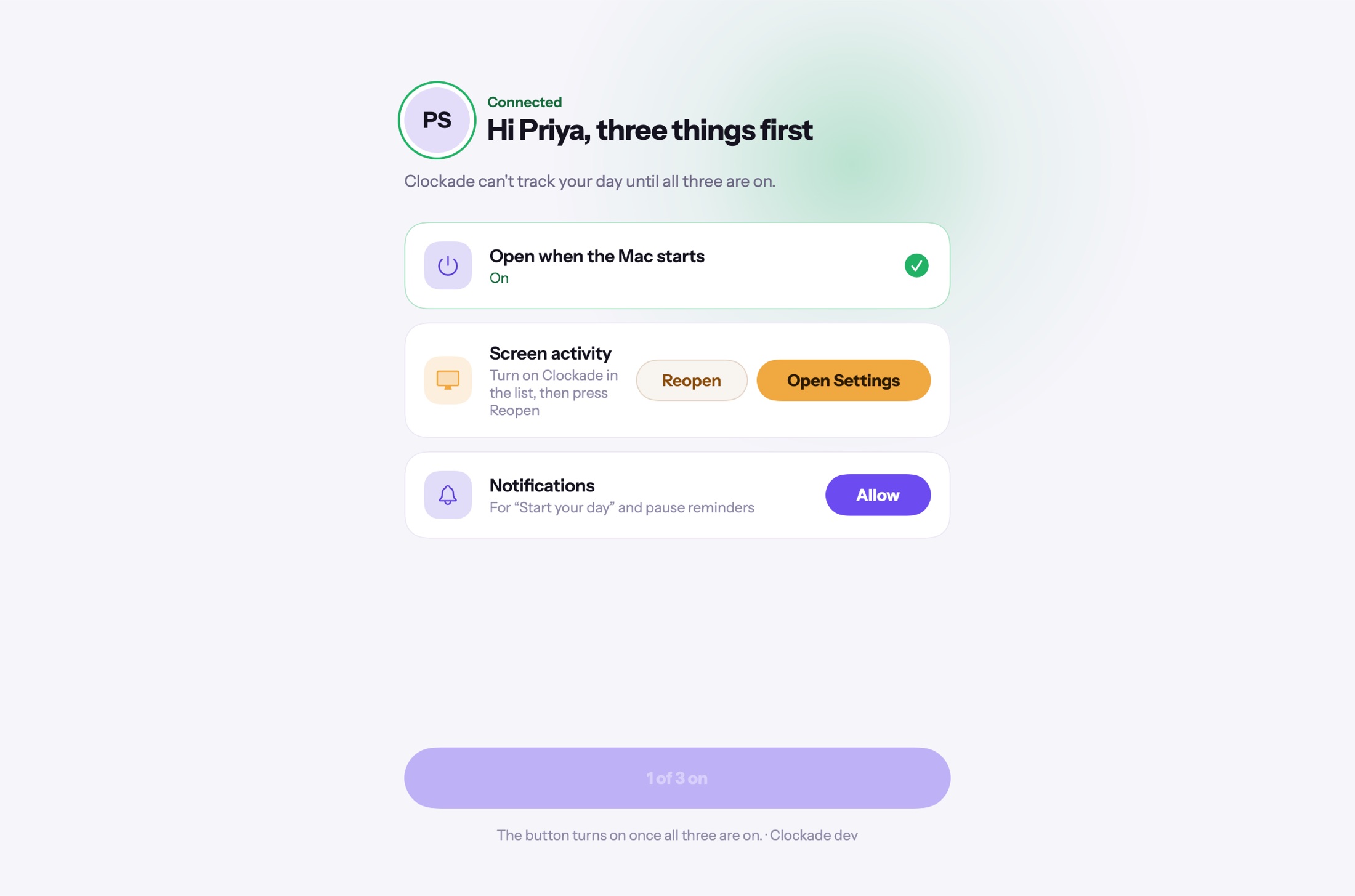
Install the app, connect it to your workspace with a 6-digit code, and the day starts tracking. No password is typed on the laptop, and later versions install from inside the app.
Clockade for Mac
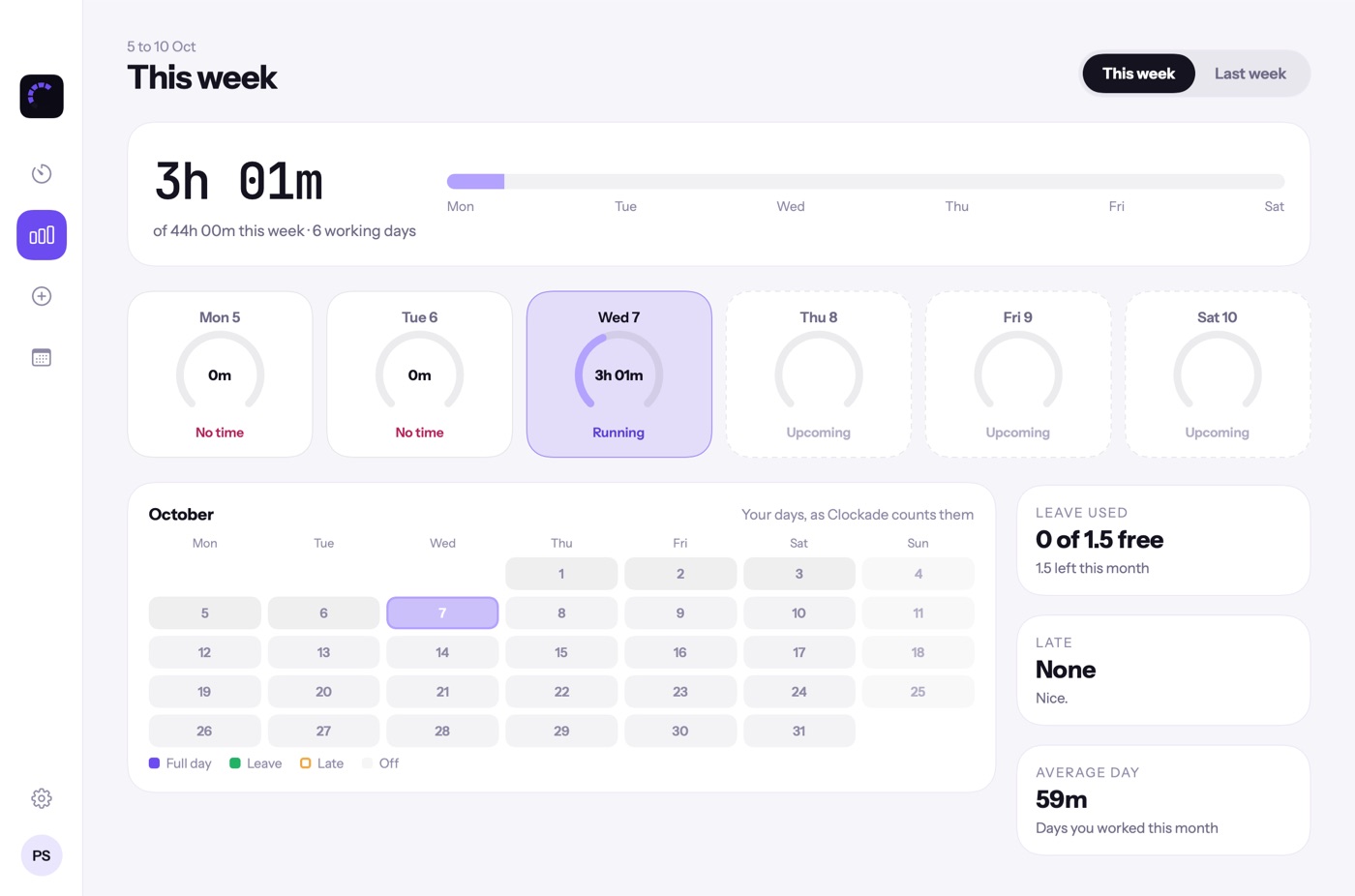
Lives in the menu bar with the day dial, breaks, lunch, idle pause, screen activity and an offline queue.
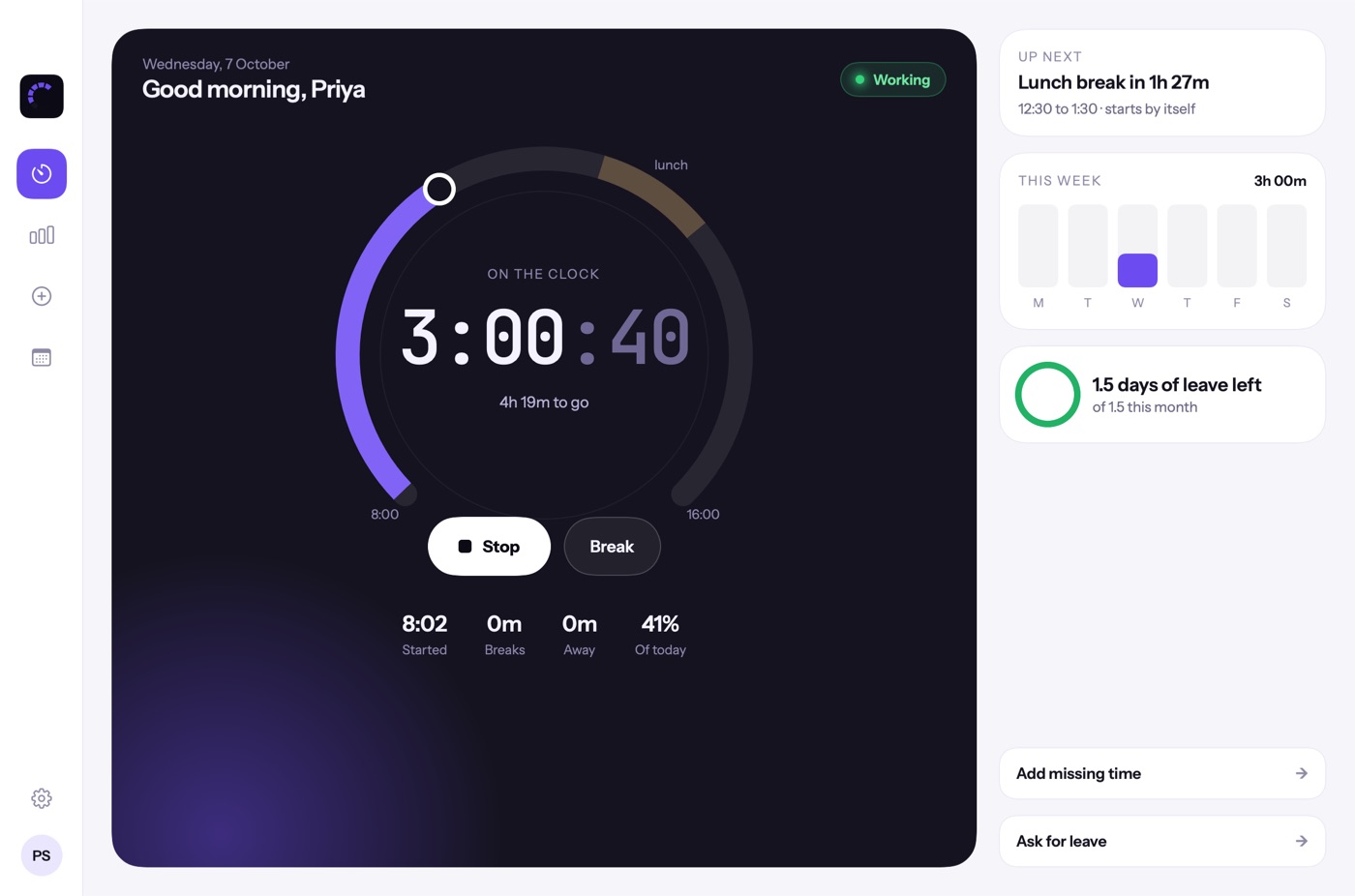 Download for Mac
Windows
The same day dial in the system tray, with breaks, idle pause, sleep and lock detection, screen activity and an offline queue.
Download for WindowsChrome
The shared password vault with autofill, and the websites in use during work time for app and website activity.
- Download and unzip it.
- Open chrome://extensions and turn on Developer mode.
- Click Load unpacked and pick the unzipped folder.
Three steps, about a minute.
New versions install themselves.
When a new version is out, the app shows Update. One click downloads it, checks it, swaps it in and opens it again, with the timer still running.
- Admins can make a version required
- Older apps ask for the update before the timer starts
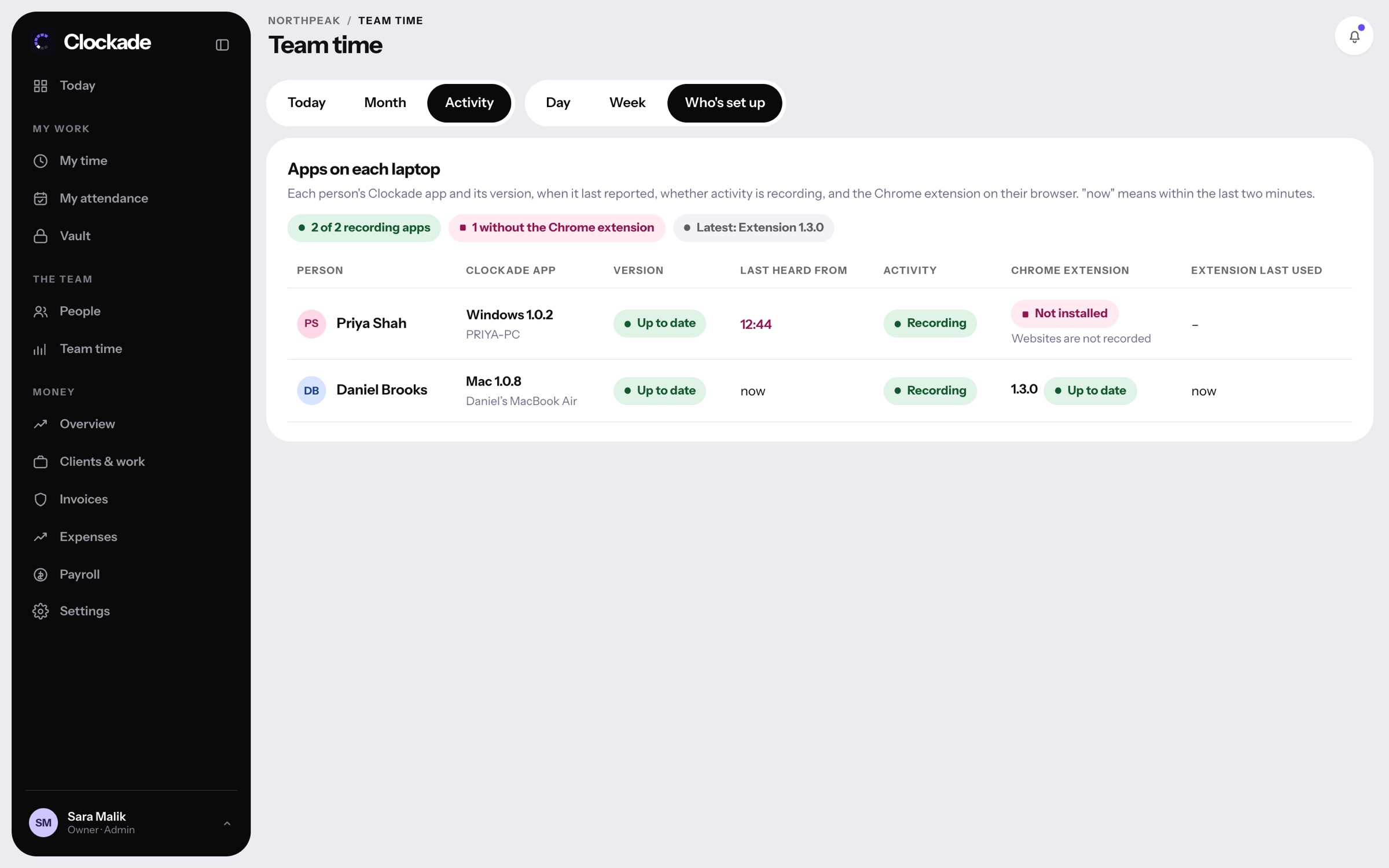
- Who's set up shows which laptops are behind
No app needed on the go.
Sign in to your workspace from any phone to see the day, the team and your payslips.